Generate on a key color in DALL·E 3 (ChatGPT)
Between you and DALL·E sits a rewriter. ChatGPT expands every image request before the model sees it, and its favorite improvement is turning a flat background into a tasteful gradient, which is the one thing a cut-out cannot survive. So the first job is prompting the rewriter, and the second is prompting the image model.
The prompt
The subject is a smiling cartoon sun sticker. Nothing about it is blue, purple or red, so it takes blue, the default; a yellow-orange sun sits comfortably against it.
Use this prompt exactly as written, without rewriting or expanding it: smiling cartoon sun sticker, isolated on a completely flat, uniform, solid pure blue (#0000FF) digital chroma-key background. The pure blue background fills the image edge to edge like a flat digital chroma-key screen with no gradient, staying at full brightness inside every gap and opening in the subject; no reflection or tint of pure blue on the subject. Every edge of the subject is crisp, sharp and hard against the pure blue, with no soft, blurry, feathered or glowing transitions, no depth-of-field blur, no haze or halo; inside every hole and gap the pure blue stays at full brightness right up to the edge. Shaded parts of the subject keep their own natural color, never a pure blue tint. The entire subject is centered and completely inside the frame with at least 10% empty background margin on every side, nothing cropped or touching the image edges. No frame, no border, no paper, no mockup, no vignette, no text, no watermark, no deformed or duplicated parts. No floating or detached fragments, no stray specks, dust or debris anywhere on the background; every element is physically attached to the subject.
There is no separate image field, so this goes in the ordinary ChatGPT message box. The opening sentence is the part that tells ChatGPT to pass the text through untouched, and it works most of the time.
When a render still comes back staged or carrying a gradient, that is the rewrite showing through, and the flat-background sentences are what it dropped. Do not argue about what happened. Repeat the verbatim request in your next message, firmly, and the second attempt usually holds.
If the cut says the key color is inside the subject
Blue-tinted shading on the sun’s face is the version of this that actually shows up. Send it again on red:
Use this prompt exactly as written, without rewriting or expanding it: smiling cartoon sun sticker, isolated on a completely flat, uniform, solid pure red (#FF0000) digital chroma-key background. The pure red background fills the image edge to edge like a flat digital chroma-key screen with no gradient, staying at full brightness inside every gap and opening in the subject; no reflection or tint of pure red on the subject. Every edge of the subject is crisp, sharp and hard against the pure red, with no soft, blurry, feathered or glowing transitions, no depth-of-field blur, no haze or halo; inside every hole and gap the pure red stays at full brightness right up to the edge. Shaded parts of the subject keep their own natural color, never a pure red tint. The entire subject is centered and completely inside the frame with at least 10% empty background margin on every side, nothing cropped or touching the image edges. No frame, no border, no paper, no mockup, no vignette, no text, no watermark, no deformed or duplicated parts. No floating or detached fragments, no stray specks, dust or debris anywhere on the background; every element is physically attached to the subject.
The shadow it always adds
DALL·E puts a soft contact shadow under almost everything, as though every sticker were resting on a surface. The “no reflection or tint” wording reduces it and rarely removes it completely, so do not burn renders fighting the last of it. A faint shadow at the bottom edge is close enough to the background color that the cleanup pass takes it, and the badge tells you when it did. Save the re-render for a gradient that survived, or scenery behind the subject.
Check a corner before you batch
Hex fidelity is the weak spot here. Ask for #0000FF and you often get a blue near it rather than at it, which is harmless on its own, since the background is measured from the image border rather than taken from the prompt. Flatness is what matters.
Before committing to a long run, open the first render and compare a corner against the center with any color picker. Same value everywhere means the background held and the batch will cut cleanly. Corners darker than the middle mean the gradient habit won that round, so re-roll with the verbatim instruction repeated instead of spending a batch on it.
Which key to pick, and what each sentence in the prompt is for, is on the guide.
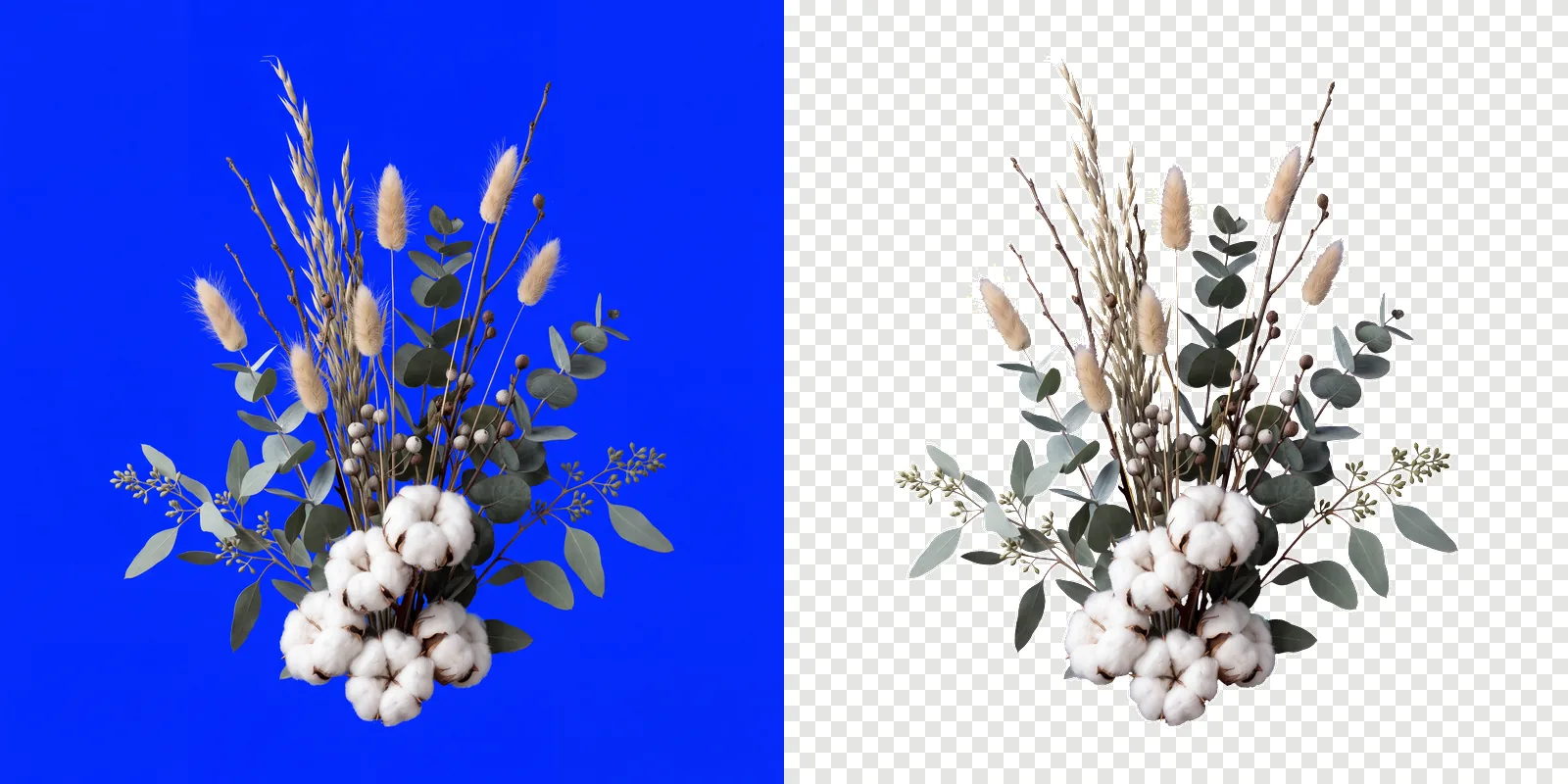
Use it on your own subject
The prompt above is one subject. For anything else, keep your own wording and paste this block on the end of it.
Isolated on a completely flat, uniform, solid pure blue (#0000FF) digital chroma-key background. The pure blue background fills the image edge to edge like a flat digital chroma-key screen with no gradient, staying at full brightness inside every gap and opening in the subject; no reflection or tint of pure blue on the subject. Every edge of the subject is crisp, sharp and hard against the pure blue, with no soft, blurry, feathered or glowing transitions, no depth-of-field blur, no haze or halo; inside every hole and gap the pure blue stays at full brightness right up to the edge. Shaded parts of the subject keep their own natural color, never a pure blue tint. Everything in sharp focus with deep depth of field, evenly lit with soft neutral studio light, no cast shadow, no contact shadow, no ambient occlusion, no bounce light. The entire subject is centered and completely inside the frame with at least 10% empty background margin on every side, nothing cropped or touching the image edges. No frame, no border, no paper, no mockup, no vignette, no text, no watermark, no deformed or duplicated parts. No floating or detached fragments, no stray specks, dust or debris anywhere on the background; every element is physically attached to the subject.
Then cut them out
Download the full-size renders and drop them into ClipBrook. Your images stay on your computer. Nothing is uploaded. The border measurement absorbs DALL·E’s approximate blue, each file comes back as a PNG with a transparent background, and the badge singles out any sticker whose leftover contact shadow needed cleaning up.