Generate on a key color in Gemini (Nano Banana)
Gemini has no prompt field, no negative prompt and no sliders. The chat message is the whole interface, on gemini.google.com and in the app alike, and what you get in exchange is the ability to fix a render by replying to it.
The prompt
The subject is a hydrangea bouquet in a glass jar. Hydrangea is a purple word, which puts it on red; the leaves that would otherwise argue for blue ride along safely, since they collide with neither the red nor the petals.
Generate an image of a hydrangea bouquet in a glass jar, isolated on a completely flat, uniform, solid pure red (#FF0000) digital chroma-key background. The pure red background fills the image edge to edge like a flat digital chroma-key screen with no gradient, staying at full brightness inside every gap and opening in the subject; no reflection or tint of pure red on the subject. Every edge of the subject is crisp, sharp and hard against the pure red, with no soft, blurry, feathered or glowing transitions, no depth-of-field blur, no haze or halo; inside every hole and gap the pure red stays at full brightness right up to the edge. Shaded parts of the subject keep their own natural color, never a pure red tint. The entire subject is centered and completely inside the frame with at least 10% empty background margin on every side, nothing cropped or touching the image edges. No frame, no border, no paper, no mockup, no vignette, no text, no watermark, no deformed or duplicated parts. No floating or detached fragments, no stray specks, dust or debris anywhere on the background; every element is physically attached to the subject.
Paste it into an ordinary chat message. Keep the “Generate an image of” opener, because without it Gemini sometimes answers with a paragraph cheerfully describing the image it could make instead of making it. The rest goes in word for word; it is long for a chat message and that is fine.
Keep the (#FF0000) in the text rather than trusting “pure red” on its own. Gemini honors hex codes better than most models, and the background then lands close enough that measuring it from the border does the rest.
When it stages a scene
Gemini’s failure is not fog, it is set dressing. Ask for a bouquet on a flat background and some fraction of attempts come back as a still life: the jar on a wooden table, window light, a linen curtain behind it.
Do not start a new chat. Reply in the same thread with something like “same bouquet, but the background is a completely flat digital chroma-key screen in pure red (#FF0000), edge to edge, nothing else in the frame.” The conversation keeps the subject you liked and swaps the setting out from under it, which beats re-rolling and hoping.
If the cut says the key color is inside the subject
A rose stem in the bouquet is the usual reason. The same trick covers it, so the re-render is a reply rather than a new prompt: “the same bouquet on a pure blue (#0000FF) background.” To start on blue instead, here is the full version:
Generate an image of a hydrangea bouquet in a glass jar, isolated on a completely flat, uniform, solid pure blue (#0000FF) digital chroma-key background. The pure blue background fills the image edge to edge like a flat digital chroma-key screen with no gradient, staying at full brightness inside every gap and opening in the subject; no reflection or tint of pure blue on the subject. Every edge of the subject is crisp, sharp and hard against the pure blue, with no soft, blurry, feathered or glowing transitions, no depth-of-field blur, no haze or halo; inside every hole and gap the pure blue stays at full brightness right up to the edge. Shaded parts of the subject keep their own natural color, never a pure blue tint. The entire subject is centered and completely inside the frame with at least 10% empty background margin on every side, nothing cropped or touching the image edges. No frame, no border, no paper, no mockup, no vignette, no text, no watermark, no deformed or duplicated parts. No floating or detached fragments, no stray specks, dust or debris anywhere on the background; every element is physically attached to the subject.
With hydrangeas, read the badge carefully afterward, because the petals themselves sit near blue. In the renders behind this guide the violet of a real hydrangea stayed far enough from #0000FF to hold.
Which key to pick, and what each sentence in the message is for, is on the guide.
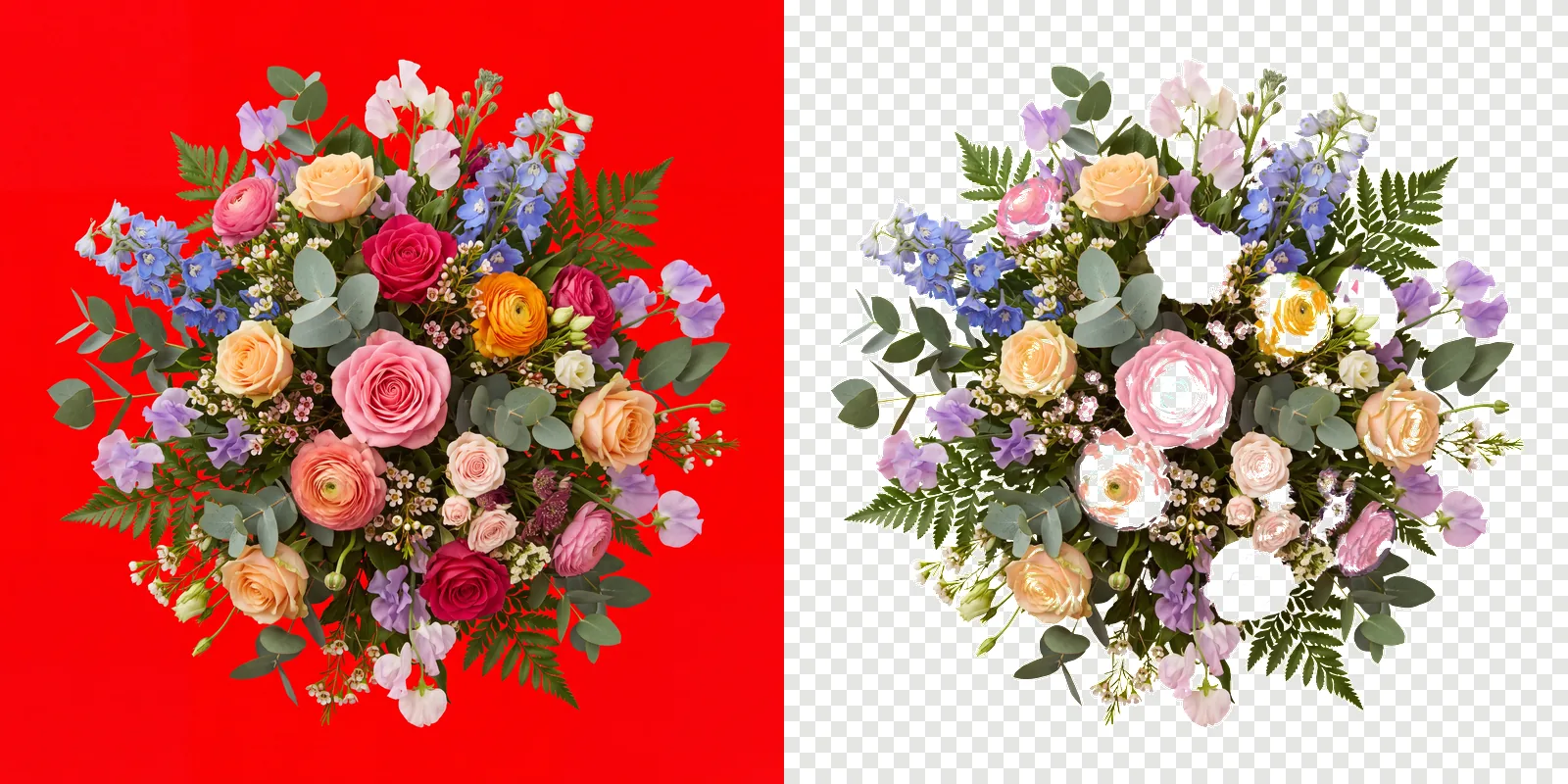
Use it on your own subject
The prompt above is one subject. For anything else, keep your own wording and paste this block on the end of it.
Isolated on a completely flat, uniform, solid pure red (#FF0000) digital chroma-key background. The pure red background fills the image edge to edge like a flat digital chroma-key screen with no gradient, staying at full brightness inside every gap and opening in the subject; no reflection or tint of pure red on the subject. Every edge of the subject is crisp, sharp and hard against the pure red, with no soft, blurry, feathered or glowing transitions, no depth-of-field blur, no haze or halo; inside every hole and gap the pure red stays at full brightness right up to the edge. Shaded parts of the subject keep their own natural color, never a pure red tint. Everything in sharp focus with deep depth of field, evenly lit with soft neutral studio light, no cast shadow, no contact shadow, no ambient occlusion, no bounce light. The entire subject is centered and completely inside the frame with at least 10% empty background margin on every side, nothing cropped or touching the image edges. No frame, no border, no paper, no mockup, no vignette, no text, no watermark, no deformed or duplicated parts. No floating or detached fragments, no stray specks, dust or debris anywhere on the background; every element is physically attached to the subject.
Then cut them out
Download each render at full size, not the preview, and drop the set into ClipBrook. Your images stay on your computer. Nothing is uploaded. Each one comes back as a PNG with a transparent background, and the glass jar is the interesting part: because each edge pixel is un-mixed rather than guessed at, the glass stays semi-transparent instead of vanishing or turning into a solid pane.