Generate on a key color in Leonardo.Ai
Leonardo arrives with more enhancement machinery switched on than anything else in this guide, and the work here is mostly switching it off. Every one of those features exists to make a render more atmospheric, and a cuttable background is a paint-bucket fill rather than a lit scene.
The prompt, on the green key
The subject is a blue and orange hot air balloon, and it is on this page because it needs the third color. It is blue and red at once, which knocks out both of the usual backgrounds, and a balloon carries no plants, so green, the key that leaves and stems normally veto, is the one left standing.
blue and orange hot air balloon, isolated on a completely flat, uniform, solid pure green (#00FF00) digital chroma-key background. The pure green background fills the image edge to edge like a flat digital chroma-key screen with no gradient, staying at full brightness inside every gap and opening in the subject; no reflection or tint of pure green on the subject. Every edge of the subject is crisp, sharp and hard against the pure green, with no soft, blurry, feathered or glowing transitions, no depth-of-field blur, no haze or halo; inside every hole and gap the pure green stays at full brightness right up to the edge. Shaded parts of the subject keep their own natural color, never a pure green tint. The entire subject is centered and completely inside the frame with at least 10% empty background margin on every side, nothing cropped or touching the image edges. No frame, no border, no paper, no mockup, no vignette, no text, no watermark, no deformed or duplicated parts. No floating or detached fragments, no stray specks, dust or debris anywhere on the background; every element is physically attached to the subject.
The prompt field takes the whole thing as written. Beneath it is a negative prompt toggle; switch it on and the field for the ban list appears. Paste the list in unchanged:
gradient, vignette, shadow, reflection, bokeh, depth of field, blur, glow, halo, haze, texture, text, watermark, frame, border
Switch these off first
Prompt Enhance goes first. It appends mood vocabulary to your text, “soft light, dreamy haze” and relatives, which is precisely the fog the prompt forbids, so leaving it on means your wording and the enhancer argue and the enhancer writes last.
PhotoReal mode goes next, because it adds depth of field by default and a defocused background edge cuts to mush. Alchemy’s contrast and depth settings are a case-by-case call: check the first render’s corners before trusting a batch to them. Model choice matters more than any of it. The flat and vector-leaning models keep the background cleaner than the photoreal ones, which put studio lighting back in whatever the prompt says.
If the cut says the key color is inside the subject
Some balloon renders arrive with a green stripe nobody ordered. The fallback is blue: the envelope’s own blues render as mid-tone fabric shades rather than #0000FF, so subject and background stay apart. Read the badge afterward all the same.
blue and orange hot air balloon, isolated on a completely flat, uniform, solid pure blue (#0000FF) digital chroma-key background. The pure blue background fills the image edge to edge like a flat digital chroma-key screen with no gradient, staying at full brightness inside every gap and opening in the subject; no reflection or tint of pure blue on the subject. Every edge of the subject is crisp, sharp and hard against the pure blue, with no soft, blurry, feathered or glowing transitions, no depth-of-field blur, no haze or halo; inside every hole and gap the pure blue stays at full brightness right up to the edge. Shaded parts of the subject keep their own natural color, never a pure blue tint. The entire subject is centered and completely inside the frame with at least 10% empty background margin on every side, nothing cropped or touching the image edges. No frame, no border, no paper, no mockup, no vignette, no text, no watermark, no deformed or duplicated parts. No floating or detached fragments, no stray specks, dust or debris anywhere on the background; every element is physically attached to the subject.
Reading the results
With the machinery off, a Leonardo batch behaves like SDXL with better manners: flat fills, honest edges, the occasional corner that shades anyway. The thing to keep watching is the toggles. If a run suddenly comes back hazy after a set of clean ones, check Prompt Enhance and PhotoReal before blaming the prompt.
Which key to pick, and what each sentence in the prompt is for, is on the guide.
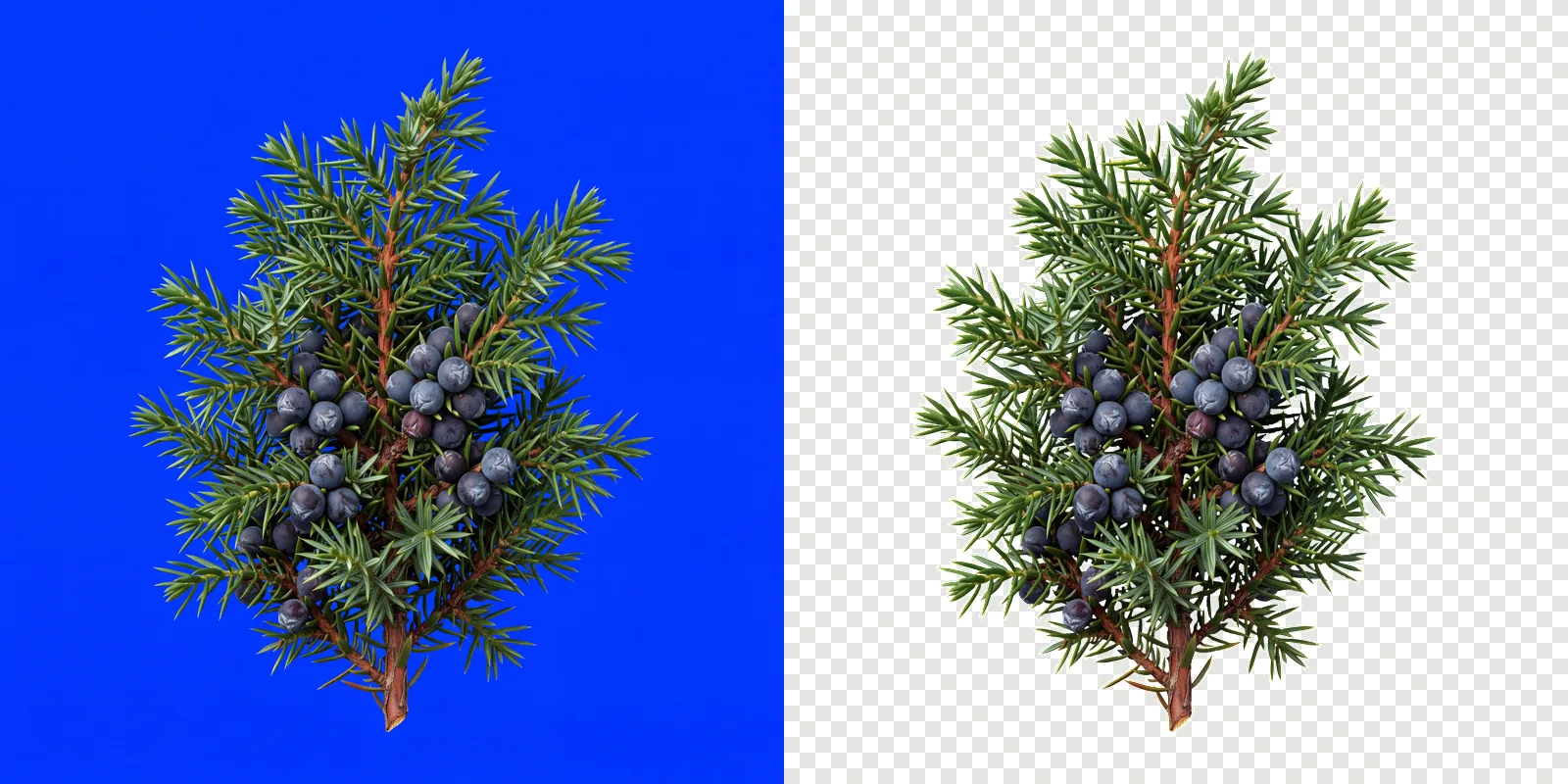
Use it on your own subject
The prompt above is one subject. For anything else, keep your own wording and paste this block on the end of it.
Isolated on a completely flat, uniform, solid pure green (#00FF00) digital chroma-key background. The pure green background fills the image edge to edge like a flat digital chroma-key screen with no gradient, staying at full brightness inside every gap and opening in the subject; no reflection or tint of pure green on the subject. Every edge of the subject is crisp, sharp and hard against the pure green, with no soft, blurry, feathered or glowing transitions, no depth-of-field blur, no haze or halo; inside every hole and gap the pure green stays at full brightness right up to the edge. Shaded parts of the subject keep their own natural color, never a pure green tint. Everything in sharp focus with deep depth of field, evenly lit with soft neutral studio light, no cast shadow, no contact shadow, no ambient occlusion, no bounce light. The entire subject is centered and completely inside the frame with at least 10% empty background margin on every side, nothing cropped or touching the image edges. No frame, no border, no paper, no mockup, no vignette, no text, no watermark, no deformed or duplicated parts. No floating or detached fragments, no stray specks, dust or debris anywhere on the background; every element is physically attached to the subject.
Then cut them out
Download at full size and drop the renders into ClipBrook. Your images stay on your computer. Nothing is uploaded. The green is measured from the border of each image, every file comes back as a PNG with a transparent background, and the badge points at the balloon that needs the blue fallback.